IPTV Trial Smart TV Compatibility: Samsung, LG, Hisense Tested
August 30, 2026 · 7 min read
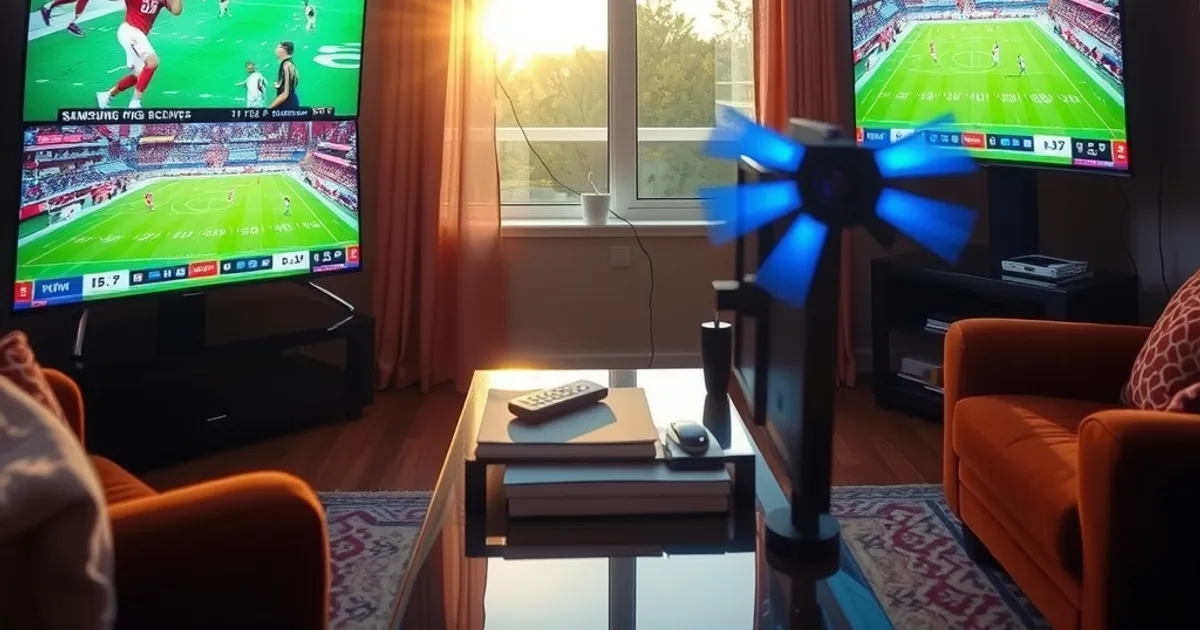
Smart TV compatibility is the variable most IPTV comparisons skip, and it's the one that decides whether a trial goes smoothly or turns into an hour of app-store troubleshooting before you've watched a single channel. Samsung, LG, Hisense and a Fire TV Stick do not behave the same way, even on the identical connection and the identical content.
The findings below are organized by device first, because that's genuinely the order that matters — read the per-brand results, then the reasoning behind them, then how to use a free trial to confirm your own setup before you commit to a plan.
Smart TV Compatibility: Results at a Glance
Samsung (Tizen): the built-in Smart Hub store rarely carries IPTV player apps directly, so most Samsung owners end up sideloading through developer mode — an extra ten minutes nobody mentions until you're already trying to activate a trial.
LG (webOS): the same pattern repeats — webOS's own app store is closed to most third-party IPTV players, so a sideload or a plugged-in streaming stick is usually the real path in, not the TV's own store.
Hisense (VIDAA): the least predictable of the four — some VIDAA builds accept a direct install, others need the same workaround as Samsung and LG, so it comes down to the exact model, not the brand name.
Fire TV Stick: by far the simplest — a player app from the native Amazon Appstore, working credentials, and a live channel in under two minutes.
The setup speed only tells half the story. The real test is what happens at peak hours: a stream that looks flawless at 2pm can start dropping frames the moment a whole neighbourhood is streaming a Saturday night game, and that's a server-capacity issue, not a device issue.
That's the exact test one Canadian reviewer ran recently — three weeks, the same connection, the same content, the same peak hours, across all four screens, before ranking anything. Watch the full four-TV comparison for how each provider held up under that pressure.
Want to confirm your own Samsung, LG or Hisense works before you pay?
Why the Same Service Behaves Differently by Brand
None of this is really about which IPTV provider you choose — it's about how closed each TV manufacturer's app ecosystem is. Samsung and LG both curate their stores tightly, favouring big-name streaming apps and leaving IPTV players out entirely, which pushes anyone who wants one toward a sideload or a secondary device.
Hisense sits in between: newer VIDAA builds have loosened up slightly, but plenty of older or region-locked units still block a direct install the same way Samsung and LG do, so what worked on your neighbour's Hisense may not work on yours.
A Fire TV Stick sidesteps the whole problem, because Amazon's Appstore is genuinely open to IPTV player apps — which is exactly why so many Samsung and LG households end up plugging one into an HDMI port instead of fighting their TV's own operating system.
Why You Test Before You Pay, Not After
Compatibility uncertainty like this is exactly the problem a real, no-card free trial exists to solve. Reading a spec sheet won't tell you whether your specific Samsung model needs a sideload; running your test line on your own TV for a few minutes will.
That's the whole identity behind IPTV Free Trial Canada — no credit card, no long form, a test line sent over WhatsApp so you can check your own Samsung, LG, Hisense or Fire TV Stick before a single dollar changes hands. If your household mixes brands, test the trial on each one you actually own, not just the easiest of the four.
For honest context: other Canadian-facing IPTV reviews put general-purpose services like Catchon TV around $69 for twelve months and Kemo IPTV around $45 for six, both solid options if a trial isn't part of the offer. IPTV Free Trial Canada's own line-up runs Tester at $27 for three months up to All-Season at $72 for twelve — but the trial itself, run on your actual TV, is the part worth doing regardless of which plan you land on.
Trial worked on your TV? Pick your term.
Setting Up Your Trial on Each Brand
On Samsung or LG, start by checking your model's own app store for a player before assuming you need to sideload — newer sets occasionally surprise you. If it's not listed, developer mode (Samsung) or a Homebrew-style install (LG) is the standard workaround, or simplest of all, plug a Fire TV Stick into an open HDMI port and skip the TV's operating system entirely.
On Hisense, check the VIDAA store first the same way — if your model supports a direct install, setup takes minutes; if not, the same Fire TV Stick shortcut applies.
Whichever route you take, request the trial over WhatsApp, enter the details in whichever player your device supports, and test during a busy evening — that's the only way to see whether your specific brand and model hold up under real peak-hour load, not just during a quiet afternoon.
Frequently asked questions
Does IPTV work natively on Samsung and LG Smart TVs?
Not usually. Samsung's Tizen store and LG's webOS store rarely list IPTV player apps directly, so most owners sideload one through developer mode, or plug in a Fire TV Stick instead. Test whichever route you pick during your free trial before you pay for a plan.
Which Smart TV brand is easiest to get an IPTV trial running on?
A Fire TV Stick, by a wide margin — its native Amazon Appstore carries IPTV player apps directly, so setup is usually a couple of minutes from unboxing to a live channel. Samsung, LG and some Hisense models need an extra step first.
How do I know if a freeze is my TV or the connection?
Test at peak hours, not a quiet afternoon — a stream that holds up at 2pm and stutters on a Saturday night points to server load, not your device. Testing that during a free trial, on your own TV, is exactly how you catch it before you've paid for months.