Test IPTV for Prime Video's Exclusive Wednesday NHL Games
August 30, 2026 · 8 min read
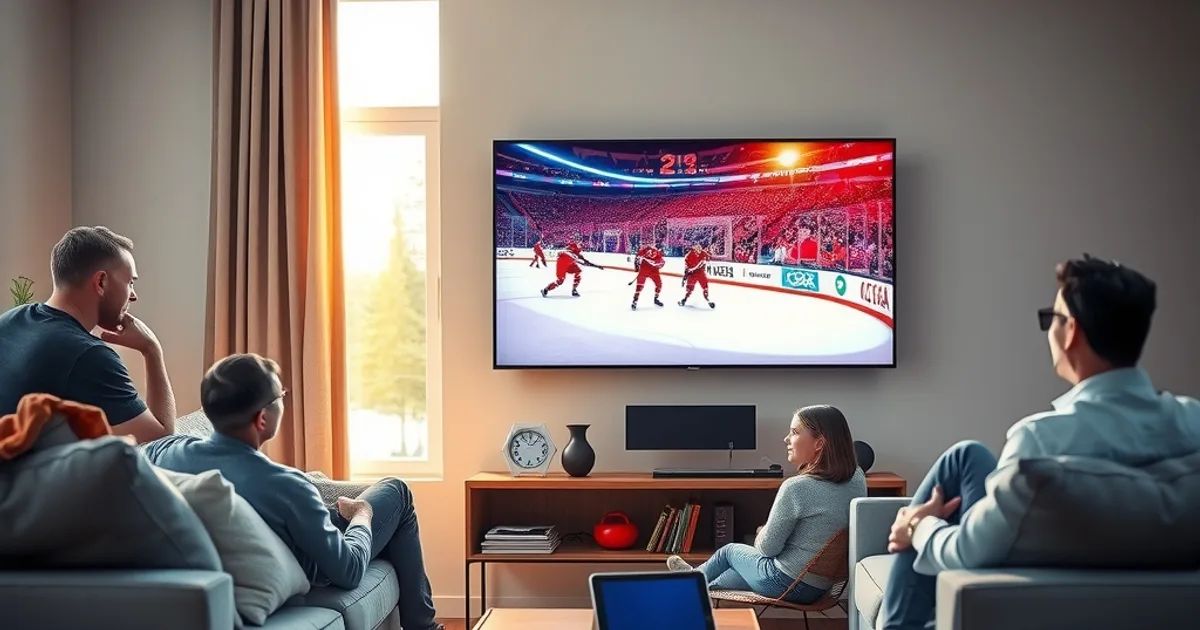
Rogers and Amazon announced a 12-year NHL media deal on July 28, 2026, and the headline for Canadian hockey fans is simple: Prime Video now owns exclusive Wednesday night broadcasts, starting September 30, 2026. That's a real shift. For over a decade, TSN and Sportsnet split national hockey coverage between them. Now a third platform — one built on a completely different streaming stack than either broadcaster — is carrying a full night of games every week of the season.
If you already run IPTV as your main way to watch live sports, this changes your setup, even if only slightly. Prime Video isn't delivered the same way TSN or Sportsnet feeds are inside most IPTV packages, and it introduces a new variable: how well your device, your IPTV connection, and your home internet all cooperate when a Prime Video stream and your IPTV player are both asking for bandwidth on a Wednesday at 7 PM.
September preseason is the ideal moment to find out before it matters. Preseason games are lower stakes, they run at the same peak-hour windows the regular season will use, and they give you a free dry run. This guide walks through exactly how to use your IPTV free trial to test Prime Video's new Wednesday slot — device setup, peak-hour load testing, isolating throttling from IPTV issues, and the 4K bandwidth math — so you know, before you pay for anything, whether your setup can actually handle it.
Prime Video's Exclusive Wednesday NHL Deal: What Changed in September 2026
The Rogers-Amazon agreement, announced July 28, 2026, hands Prime Video exclusive rights to Wednesday night NHL games as part of a 12-year national media arrangement. Games begin airing on Prime Video starting September 30, 2026, which lines up with the tail end of the preseason schedule and the run-up to opening night. Wednesday becomes Prime Video's night, the same way Saturday has long belonged to Hockey Night in Canada.
The practical effect for viewers: if you want every Wednesday game, you now need Prime Video working reliably alongside whatever you already use for the rest of the week. That's a new dependency in your streaming stack, and it's worth treating it as one rather than assuming it will just slot in the way another cable channel would.
Because this deal is brand new, most existing 'how to watch NHL on IPTV' guides — including a lot of what's floating around the web — were written before Prime Video's Wednesday slot existed. They talk about TSN and Sportsnet generally. None of them address the fact that Prime Video runs on its own delivery infrastructure, has its own app, and needs its own performance check on the exact device you plan to watch on.
Curious whether your connection can handle Prime Video and IPTV at the same time on Wednesday nights?
Why This Matters for IPTV Free Trial Users (Prime Video ≠ TSN/Sportsnet)
TSN and Sportsnet channels typically arrive through your IPTV provider's own channel list — one login, one app, one stream source. Prime Video is different: it's a separate app running its own video pipeline, authenticated with your own Amazon account, pulling from Amazon's servers rather than your IPTV provider's. When you watch a Wednesday game, you're not testing your IPTV service in isolation anymore — you're testing how your IPTV connection and Prime Video share the same home network and the same device at the same time.
This matters because a lot of 'is my IPTV any good' testing habits don't carry over cleanly. You might have a provider that streams TSN flawlessly but chokes the moment Prime Video and an IPTV channel are both open, or a device that handles one 4K app fine but drops frames running two simultaneously (useful if you flip between the IPTV pre-game show and Prime Video's broadcast). None of that shows up unless you specifically test the combination.
The upside: because this is genuinely new, testing it now costs you nothing but a bit of September preseason time. You're not locked into anything yet, and preseason games are exactly the low-stakes environment you want for finding problems before the games start counting.
Step 1: Activate Prime Video on Your IPTV-Friendly Device (Firestick, Android, Smart TV)
Start by confirming Prime Video's app is installed and signed in on the exact device you use for IPTV — not a second TV, not your phone. If you're on a Fire TV Stick or an Android TV box, Prime Video and your IPTV app (Smarters, TiVimate, or similar) should already coexist fine since they're both standard apps, but it's worth checking that neither one is fighting for background resources on lower-powered sticks. Our device walkthrough covers this in more detail: see /blog/iptv-free-trial-firestick-smart-tv-canadian-setup for setup specifics by device type.
If you're watching IPTV through a smart TV's built-in apps rather than a streaming box, check that the TV's native Prime Video app is current — older smart TV software sometimes runs an outdated Prime Video build that struggles with newer 4K streams. Update both apps before test night, not during a live game.
Once both apps are installed and logged in, do a quick baseline check: open Prime Video alone first, play any 4K-eligible title, and note how it performs with no IPTV running. This gives you a clean reference point before you introduce IPTV traffic into the mix.
Step 2: Test Preseason Performance at Peak Hours (6–11 PM) for Latency & Buffering
Preseason games in late September typically air in the same evening windows the regular season will use, which makes them a genuinely useful stand-in for real testing conditions. Pick a Wednesday preseason broadcast and watch it during the actual 6–11 PM window rather than an off-peak replay — this is when your ISP's network is under the most load from every household in your area streaming simultaneously, and it's the condition that actually breaks a weak setup.
While the game plays, open your IPTV free trial on the same device (or a second device on the same network) and start a live channel in parallel, the way you would on a normal night with a pre-game show or a second game running. Watch both for buffering wheels, resolution drops, or audio drift. If either stream degrades only when the other is running, that's your signal — it's a shared-bandwidth problem, not a fault with either service on its own.
Take rough notes each Wednesday during preseason: what time you tested, how many devices/streams were active, and what you saw. A pattern across two or three preseason Wednesdays is far more reliable than a single test, since one bad night can just as easily be a router hiccup as a real capacity limit.
ISP Throttling vs. IPTV Quality: How to Isolate the Real Culprit During Live Games
When a Wednesday broadcast stutters, the instinct is to blame the IPTV service. Often that's wrong. Canadian ISPs — Bell and Rogers among them — are known to apply traffic shaping to streaming-heavy connections during peak hours, and that shaping can hit Prime Video and IPTV traffic differently depending on how each is routed. Before you conclude your IPTV provider is the weak link, rule this out.
The cleanest way to isolate the cause is a peak-hour throttling check run independently of any specific app — our detailed method is at /blog/detect-isp-throttling-iptv-free-trial-canada-peak-hours. Run it during the same 6–11 PM window as your Prime Video test. If your raw connection speed drops sharply at peak hours regardless of what you're streaming, that's throttling, and no IPTV provider switch will fix it — a VPN workaround (covered below) is the more relevant fix.
If your raw connection holds steady at peak hours but the IPTV stream specifically still stutters, the issue sits with the provider's server capacity, not your network. That distinction changes what you do next: one path means shopping for a better IPTV plan, the other means addressing your ISP connection.
4K vs 1080p on Prime Video: Bandwidth Requirements & Speed Test Before Committing
Amazon publishes general bandwidth guidance for Prime Video: roughly 15 Mbps or more is recommended for a stable 4K Ultra HD stream, versus a few Mbps for standard HD. That's a per-stream figure — if your IPTV channel is also running in 4K or HD at the same time on the same connection, you need to add both requirements together, not think of them as independent draws on your line.
Run a wired or Wi-Fi speed test on the device itself right before a preseason Wednesday game, then run the same test again mid-broadcast with both Prime Video and your IPTV trial active. A meaningful drop in available throughput once both are running tells you your plan's real-world capacity, not just its advertised number. For a deeper look at whether what you're actually seeing on screen matches true 4K, our guide at /blog/test-iptv-picture-quality-real-4k-during-trial-canada walks through spotting upscaled or compressed 'fake 4K' versus the real thing.
If your connection can't comfortably support both streams in 4K simultaneously, that's not necessarily a dealbreaker — it just means you may need to drop one stream to 1080p during shared viewing, or treat Prime Video and IPTV as sequential rather than simultaneous viewing on busy nights.
Decision: Should You Upgrade to Paid IPTV Based on Preseason Performance?
By the end of a few preseason Wednesdays, you should have a clear picture: did your IPTV trial hold up at peak hours alongside Prime Video, or did it struggle? If it stayed stable across multiple test nights with no throttling detected on your line, that's a strong signal the provider itself is solid for the season ahead, including the added load of a weekly Prime Video broadcast.
If performance was inconsistent, don't assume the fix is automatically a different IPTV provider. Cross-reference against your throttling test results first — a connection issue on your end will follow you to any new provider. Only if the IPTV stream specifically underperformed while your raw connection stayed healthy does switching providers make sense.
It's also worth comparing how different IPTV apps handle simultaneous streaming loads, since app efficiency varies more than people expect on lower-powered devices. Our comparison at /blog/iptv-app-comparison-canada-smarters-tivimate breaks down how the major options differ in exactly this kind of multi-stream scenario.
If your preseason tests held up at peak hours, lock in your plan before the Wednesday broadcasts start counting.
Backup Plan: VPN Workarounds if Bell/Rogers Throttles Prime Video Streams
If your throttling test during Step 2 confirms your ISP is shaping traffic at peak hours, a VPN is the standard workaround — it encrypts your traffic so your ISP can't identify and specifically throttle streaming packets the way it might otherwise. This applies to Prime Video traffic just as much as IPTV traffic, since both can be targeted by the same peak-hour shaping policies.
Our full walkthrough on this exact problem, /blog/vpn-iptv-canada-bypass-throttling-bell-rogers, covers how to set up a VPN specifically for this use case without tanking your speeds further — a poorly chosen VPN server can add as much latency as the throttling it's meant to fix, so server selection matters more than most guides admit.
Test the VPN the same way you tested everything else: during a live Wednesday preseason broadcast, at peak hours, with both apps running. A VPN that only helps in synthetic speed tests but not during a real simultaneous stream isn't solving your actual problem.
Frequently asked questions
When do Prime Video's exclusive Wednesday NHL broadcasts start?
Prime Video's exclusive Wednesday night NHL games launch September 30, 2026, as part of the 12-year Rogers-Amazon media rights deal announced July 28, 2026.
Can I watch Prime Video's NHL games through my IPTV app directly?
No. Prime Video is a separate app tied to your own Amazon account, not a channel inside your IPTV provider's lineup. You'll run it alongside your IPTV app on the same device, which is exactly why testing the combination matters.
Why does my IPTV stream buffer only when Prime Video is also playing?
This usually points to shared bandwidth being split between two simultaneous streams rather than a fault in either service. Test your raw connection speed during both apps running together to confirm, or check for ISP throttling as described above.
Is preseason a reliable way to test for the regular season?
Yes, as long as you test during the same peak evening hours (roughly 6–11 PM) the regular season will use. Testing during an off-peak replay won't reveal the network congestion issues that only show up when everyone in your area is streaming at once.
How much internet speed do I need for Prime Video 4K plus an IPTV stream?
Amazon recommends roughly 15 Mbps or more for a single stable 4K Prime Video stream. If you're running an IPTV channel at the same time, you need to add its bandwidth requirement on top rather than assume your connection handles both independently.
Does a VPN slow down Prime Video or IPTV streams?
A poorly chosen VPN server can add latency, but a well-configured VPN aimed at bypassing peak-hour throttling often improves stability more than it costs in raw speed. Always test with the VPN active during a real live broadcast before relying on it for game night.