Switch from Cable to IPTV: Free Trial Test Plan
August 19, 2026 · 8 min read
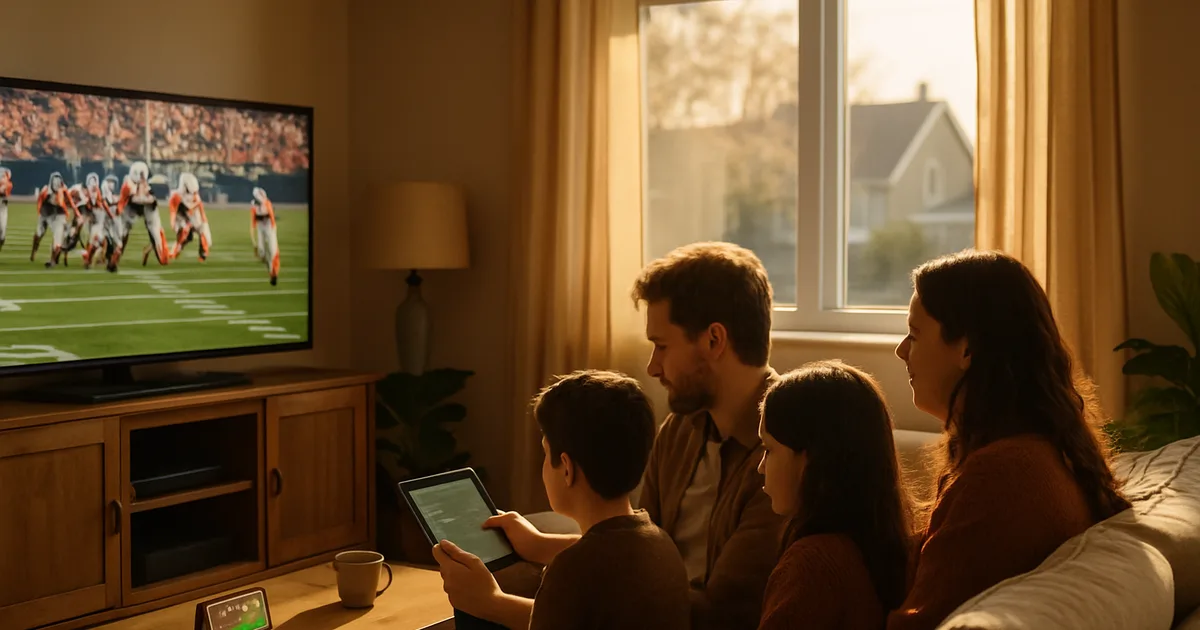
Cord-cutting in Canada isn't a niche move anymore — it's the default reaction to another round of cable price hikes. Surveys on the trend keep landing on the same story: roughly half of people who cancel cite poor value for money, and 2025 alone brought another wave of rate increases from the big providers. If you've been putting off the switch because you're afraid of losing your channels the day after you cancel, the fix isn't to decide blind. It's to test first.
September is when that decision gets forced. The NFL regular season kicks off Tuesday, September 9, 2026, the NHL follows on September 29, and the CFL is already deep into its stretch run toward the October 24 end of the regular season and the November 15 Grey Cup in Calgary. If you're going to cancel cable before the new sports calendar locks you into another annual contract, this is the window.
This is a test plan, not a sales pitch. An IPTV free trial exists precisely so you can check the things that actually matter — speed, sports stability, how many devices can stream at once, whether your local channels load — before you touch your cable account. Treat the trial like a short audit. Here's how to run it.
Why September 2026 is your cable-cancel deadline
Cable and satellite providers count on inertia. Most rate increases land quietly on a bill you don't read closely, and most contracts auto-renew unless you actively cancel inside a window. If you're already annoyed about a price hike, September gives you a concrete reason to act: the NFL season opener on September 9 and the NHL opener on September 29 are the two dates cable companies use to sell you on renewing for 'the full season.' Once you're past those dates having already renewed, you're locked in until next summer.
The CFL doesn't need a September hook the same way — the season started back in June — but it matters here for a different reason. By September the CFL playoff picture is taking shape, and testing a service's ability to hold a stable Canadian sports feed through a tight playoff race is a better stress test than testing it on a random Tuesday in April. If a service can carry the CFL stretch drive, the NHL opener, and NFL Sunday all in the same week without falling over, you have real evidence, not a guess.
The practical takeaway: don't test a free trial in isolation from your calendar. Time it to overlap with at least one live sports night before you make the cable call. That's the only way the test actually tells you anything about the fall and winter you're about to pay for — or not pay for.
Curious whether your setup can actually handle cutting cable? Ask before you test.
The 7-day IPTV free trial cord-cutting test plan
A free trial is short, so don't waste it channel-surfing. Structure it like this: day 1 is setup and a quick channel check across every device in the house. Days 2-3 are dedicated to one sports broadcast each, watched start to finish, ideally during your household's normal peak viewing hours (early evening, when everyone else on your street is also streaming). Days 4-5 repeat the sports test but stack it against a second device streaming something else at the same time. Days 6-7 are for VOD — pick two or three shows or movies you'd actually watch and finish an episode of each.
Write down what you notice as you go, even briefly. A note like 'buffered twice during the third quarter, 7pm Thursday' is far more useful two weeks later than a vague memory of 'it seemed fine.' You're building a small decision file, not just watching TV.
For a deeper breakdown of how to catch network problems specifically — the kind that show up only during Canadian peak hours, when everyone on your ISP's node is streaming at once — see /blog/detect-isp-throttling-iptv-free-trial-canada-peak-hours. That's a companion test to run alongside this one, not a replacement for it.
Speed & bandwidth: testing 4K quality during your trial
Before you judge picture quality, check what your connection can actually deliver. Run a wired speed test (not Wi-Fi) at the router during peak evening hours — that's the number that matters, not the number your ISP advertises. As a general guideline, smooth HD streaming wants roughly 10-15 Mbps sustained, and 4K wants closer to 25-50 Mbps sustained, with headroom left over if other people in the house are also online. If your peak-hour speed is close to your provider's advertised maximum, that's a flag worth investigating, not necessarily a reason to stop testing.
During the trial, watch the same content at your TV's native resolution setting and pay attention to two things: how long the initial buffer takes, and whether quality drops mid-stream. A stream that starts crisp and then visibly softens a few minutes in is usually a bandwidth or throttling issue, not a service issue — which is exactly why the peak-hour ISP test above matters before you draw conclusions.
Test on the device you'll actually use most, not just the one that's easiest to set up. A phone on Wi-Fi and a smart TV on ethernet can produce completely different results from the same subscription in the same house.
Sports on trial: CFL, NHL, NFL, and Premier League stability
Sports is the toughest test you can run, because it's live, it's unforgiving of buffering, and any delay against the official broadcast clock is instantly obvious the moment someone in another room or on social media reacts to a play before you see it. Watch at least one full quarter or period of a live game during your trial, not just a highlight clip, and specifically note delay versus real time if you can compare against a neighbour, a group chat, or a live score app.
RedZone-style whip-around coverage and fast-cut broadcasts are a good stress test in their own right, since they demand quick channel or stream switching without a long reload. If you're a Premier League viewer too, weekend match windows are a useful second data point because they run on a different schedule than the North American leagues and tell you whether performance holds up across time zones and peak periods.
We've written a dedicated, deeper test for this exact question — covering CFL and hockey specifically, since those are the leagues Canadian cord-cutters worry about most — at /blog/test-iptv-free-trial-sports-quality-cfl-hockey. Read it before your trial starts if live sports is your main reason for cutting cable.
Multi-device test: can your household stream on 3+ devices at once?
Cable's one real advantage was that every TV in the house had its own tuner. IPTV replaces that with simultaneous streams, and that's the single most common thing people forget to test before cancelling. If your household has a TV in the living room, a tablet in the kitchen, and a phone in someone's bedroom, all three need to work at the same time, not just individually.
Run this test deliberately: start a stream on the main TV, then have a second person start a different stream on a second device, then a third on a third device, all during the same evening. Watch for two failure modes — either one stream drops in quality as others start, or a device gets logged out entirely. Both are worth knowing about now, while it's still free to find out.
If you're comparing which app or platform to use for this, TiviMate and IPTV Smarters handle multi-device and multi-profile setups differently — worth reading before you settle on one for the whole household at /blog/iptv-app-comparison-canada-smarters-tivimate.
Channel lineup: do CBC, CTV, TSN, and Sportsnet load fast?
For most Canadian households, the channels that actually get watched are a short list: CBC for national news and hockey, CTV for primetime and local news, and TSN or Sportsnet depending on which teams you follow. Don't just confirm these channels are present in the guide — actually open each one, time how long it takes to load, and watch for a couple of minutes to check picture stability.
Regional variations matter here too. If you're outside a major market, check that the local CBC or CTV affiliate you actually watch is the one available, not just a same-named feed from another province. A guide that lists 'CTV' without confirming it's your regional feed can be misleading.
If anything in the lineup looks off — wrong region, channel missing, or a feed that won't load — that's exactly the kind of thing a short WhatsApp message during your trial can usually resolve quickly, well before you'd need it to matter for a cable cancellation decision.
VOD quality: checking the movie and series library during your trial
On-demand content is where a lot of cord-cutters get surprised after they've already cancelled cable, because live TV was the thing they tested and VOD was the thing they assumed would just work. Use part of your trial specifically for this: pick two or three titles you'd genuinely watch, not just whatever's on the home screen, and play each one long enough to judge picture quality and whether subtitles (if you use them) are available and in sync.
Check how the library is organized, too. Can you actually find what you're looking for by title or do you have to scroll through unsorted categories? A library that's technically large but poorly organized ends up feeling smaller in practice than one that's well indexed.
If English and French content both matter in your household, verify both are represented properly rather than assuming a bilingual household is covered by default.
If your trial checks out, lock in your plan before NFL and NHL openers hit peak demand.
The cancellation go/no-go: decision framework before you terminate cable
By the end of your trial you should have a short, specific list, not a vague impression. Go through it plainly: did speed hold up at peak hours without you needing to drop resolution? Did at least one live sports broadcast run clean, with delay you could live with? Did three or more devices stream at once without one of them dropping quality or logging out? Did your must-watch local channels load fast and show the right regional feed? Did the VOD library have what you actually wanted to watch, in acceptable quality?
If most of that list is a clear yes, you have real evidence to cancel cable on, not a hopeful guess — and before you do, it's worth a quick read of /blog/iptv-free-trial-legal-canada-safety-guide so you understand exactly what you're signing up for and how to evaluate a provider properly, not just its picture quality.
If the list has real gaps — repeated buffering during sports, a device that couldn't hold a stream, channels that were missing or wrong — that's useful information too. It means either this particular service isn't the right fit, or your home network needs attention before any streaming service will perform the way you want. Either way, you found that out during a free trial instead of during the first week without cable.
Frequently asked questions
How long should I test before cancelling cable?
A week is usually enough if you use it deliberately — cover at least one peak-hour evening, one live sports broadcast, a multi-device test, and some VOD, rather than just casual browsing. Don't cancel cable on day one of a trial; give yourself time to hit a live sports night before deciding.
What internet speed do I actually need to cut cable?
As a general guideline, sustained speeds of roughly 10-15 Mbps support smooth HD streaming, and 25-50 Mbps supports 4K, measured at peak evening hours rather than off-peak. Test with a wired connection where possible, since Wi-Fi congestion can make a fast plan look slow on a specific device.
Will I lose access to CBC, CTV, TSN, or Sportsnet if I switch?
That depends entirely on the specific service and package, which is exactly why the channel lineup check belongs in your trial rather than something you assume. Open each channel you actually watch during the trial, confirm it's your correct regional feed, and let picture quality and load time — not just presence in the guide — be the test.
Can my whole household stream at the same time?
It depends on the plan and the app, which is why a deliberate multi-device test during the trial matters more than testing one device in isolation. Start streams on two or three devices in the same evening and watch for quality drops or logouts before assuming your household is covered.
Is testing sports during a trial really worth the extra effort?
Yes, if live sports is a reason you're keeping cable in the first place. VOD content forgives a slow load or a brief buffer; a live game doesn't, especially in the CFL playoff stretch, the NHL season opening September 29, or an NFL Sunday. Testing sports specifically is the closest thing to testing your actual future viewing habits.
What if the trial reveals problems — does that mean IPTV isn't for me?
Not necessarily. Some issues trace back to home network conditions (Wi-Fi congestion, ISP throttling at peak hours) rather than the service itself. Either way, a trial that surfaces a problem is doing its job — it's better to find out before cancelling cable than after.