IPTV Trial Checkout: Why Adding to Cart Is Risk-Free
September 1, 2026 · 6 min read
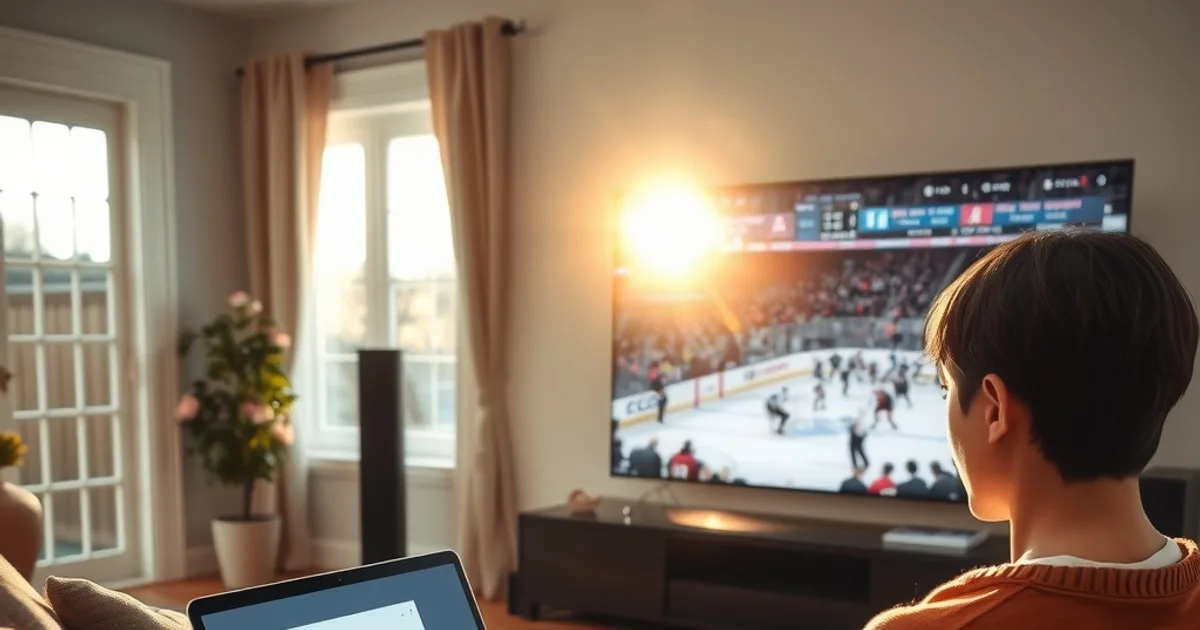
The button says "Add to Cart" and your thumb hesitates. That half-second of doubt is the single biggest reason people close the tab before ever watching a single game. It's not that the trial is expensive — it isn't, because no card is charged at signup. It's the fear of the unknown: what actually happens after you click, when does the clock start, and will something quietly bill you next week without asking?
With the NHL 2026-27 regular season opening on September 29, this is peak trial-activation season. Thousands of Canadian hockey fans are adding a trial to cart right now specifically to test whether an IPTV setup can handle a full slate of live games before they commit real money to a season-long plan. That timing raises the stakes on the one question this article exists to answer: what is the cart actually asking you to agree to?
Nothing that resembles a subscription. Below is the checkout flow broken down step by step, what the countdown really means, and — most importantly — how the trial-to-paid decision works so there's no ambush waiting at hour 25.
Why "Add to Cart" Doesn't Ask for a Credit Card (and What That Means)
A standard e-commerce cart holds a payment method because it's about to charge it. An IPTV trial cart is structured differently on purpose: it's a provisioning request, not a purchase. Clicking "add to cart" tells the system to generate a temporary access credential — a username, password, and a server line — and email or WhatsApp it to you. No payment method is collected because none is needed to create that credential.
This distinction matters because it removes the mechanism surprise charges rely on. A service can't bill a card that was never entered. If a provider's trial flow asks for full card details up front "just to verify you're real," that's a different (and riskier) model than the no-card approach — worth reading in full in the guide on how to get an IPTV free trial in Canada without a credit card before you compare offers.
The trade-off is that a no-card trial is usually shorter and sometimes rate-limited (fewer simultaneous streams, a capped channel list) compared to what a paid plan unlocks. That's the provider's way of controlling cost on something that costs them nothing to hand out but does cost server bandwidth to run.
Curious what the cart actually asks for? Start a trial request and see for yourself — no card, no commitment.
Step-by-Step: The Checkout Flow From Cart to Instant Activation
Step one is the cart itself: you add the trial, and the only field that matters is a valid email address or WhatsApp number — that's the delivery channel for your credentials, not a billing detail. Step two is confirmation: the system generates the access line and sends it, typically within minutes, sometimes instantly if the provisioning is automated.
Step three is app setup: you install a player app (IPTV Smarters, TiviMate, or similar), enter the credentials you received, and the channel list loads. This is the step most people underestimate — the trial clock is already running while you're doing this, so it pays to have the app installed before you request the trial rather than after. Step four is activation confirmation: once the stream loads and you can flip channels, the trial is live and the countdown has officially started.
If you want a side-by-side of which app makes that setup step fastest on the devices you actually own, the app comparison for Smarters vs. TiviMate in Canada walks through the install differences so you're not fumbling with an unfamiliar interface during your limited window.
The Trial Countdown: What Happens in Hour 24 & Beyond
Most trials run on a fixed window — commonly 24 hours from first activation, though some providers extend a bit longer. Nothing dramatic happens at the boundary: the credentials simply stop authenticating. The stream freezes or the app returns a login error. There's no charge triggered, no auto-renewal firing in the background, because — as established above — there was never a payment method attached to trigger one.
What you lose access to at that point is exactly what you had during the trial: the channel list, the EPG, any VOD library included. What you don't lose is anything permanent, because a trial account isn't tied to a real subscription record with billing history. It's a disposable credential that expires on schedule.
For anyone timing a trial specifically around a live sports window — say, an early-October NHL matchup — that fixed expiry is worth planning around deliberately. The season-specific breakdown of trial timing for NHL 2026-27 in Canada covers how to line up your 24 hours with an actual game night instead of burning the window on a weekday afternoon with nothing to watch.
Three Trial-to-Paid Paths: Upgrade, Downgrade, or Walk Away
When the trial window closes, there are exactly three things that can happen, and all three require action from you — none happen automatically. Path one: you upgrade. You choose a plan length and a payment method, and only at that point does a real transaction occur. Path two: you don't upgrade. The trial credential simply expires and stops working. There's nothing to cancel because there was never a recurring charge scheduled in the first place.
Path three, less discussed but real: you ask for a different plan tier than the one the trial approximated. Trials typically mirror a mid-tier experience, but paid plans usually come in multiple lengths or connection-count options. If the trial left you wanting more simultaneous streams for a household with several TVs, that's a conversation to have before paying, not after.
The common thread across all three paths is that the decision point is entirely yours. Nothing pre-selects an option on your behalf, and nothing bills a default choice if you go silent.
No Surprise Charges: How Transparent Billing Actually Works
The fear behind "what if I forget to cancel" comes from subscription models where a free period rolls into a paid one automatically unless you actively opt out. That model requires a stored payment method from day one — which, again, the cart never collects during a trial. Billing only starts the moment you deliberately choose a plan and submit payment for it, after the trial has already shown you what you're getting.
This also means there's no cancellation step to forget. You're not cancelling a subscription that was never created; you're simply not converting it. The absence of a card on file is the actual safeguard here, not a policy promise that could change — it's a structural fact of how the cart works.
If billing transparency and legality are a bigger concern for you than the mechanics of checkout, the legal and safety guide for IPTV free trials in Canada covers the regulatory side in more depth, separate from the payment-flow question this article focuses on.
What to Test During Your 24 Hours So You're Ready to Decide
A trial window is short, so testing with intent beats browsing aimlessly. Start with the connection basics: does the stream hold up on your actual home Wi-Fi, on the device you'll realistically use daily (a Fire Stick, smart TV app, or phone), not just on a laptop plugged into ethernet. Buffering during a five-minute test clip means little; buffering during a live third period means everything.
Next, test the specific content you're paying for. If sports are the reason you're here, load a live game — hockey, CFL, whatever is in season — and watch it through a full intermission to see how the stream handles the load. The dedicated breakdown on testing IPTV trial sports quality for CFL and hockey gives a concrete checklist for exactly this, including what buffering patterns are normal versus a red flag.
Finally, test the app itself against your habits: does the EPG (guide) load fast enough to browse channels the way you actually watch, does multi-screen work if your household needs it. The app comparison guide referenced earlier is the fastest way to know if you're testing on the right app before you draw conclusions about the service itself.
Ready to move from a 24-hour test to full-season hockey coverage? Compare the plans and pick what fits.
Common Cart Hesitations—Answered (Support Phone, Cancellation, Refunds)
"What if I need help mid-trial?" — support during a trial typically runs through the same channel that delivered your credentials, most often WhatsApp, since it's faster than email ticketing for a time-limited window. "What if I want a refund?" — this generally doesn't apply to trials specifically, since no payment was made; refund policies only become relevant once you've upgraded to a paid plan, and those terms should be confirmed before you pay, not assumed.
"What if I forget to cancel and get charged anyway?" — this is the fear this whole article is built around, and the honest answer is structural, not promotional: without a stored card, there is nothing to charge. "What if the trial isn't enough time?" — that's a fair limitation, not a trick; a 24-hour window is meant for a focused test, not a full evaluation month, so testing with the checklist above matters more than testing longer.
The overall pattern across every hesitation is the same one that runs through this whole article: the cart is a request for temporary access, not a commitment. Understanding that structure is what turns a hesitant click into an informed one.
Frequently asked questions
Does adding an IPTV trial to cart require a credit card in Canada?
No. The cart collects a delivery method — email or WhatsApp — to send you login credentials, not a payment method. No card is required to receive or use the trial.
Will I be automatically charged when the trial ends?
No. Since no payment method is stored during a trial, there's nothing for the system to charge. The credential simply stops working, and you decide separately whether to purchase a paid plan.
How long does an IPTV free trial usually last?
Most trials run on a fixed window, commonly around 24 hours from first activation. Exact length can vary by provider, so check the confirmation you receive after adding to cart.
What happens to my data if I don't upgrade after the trial?
The trial credential simply expires and stops authenticating. There's no subscription record or recurring billing tied to it, so there's nothing to cancel.
Can I get a longer trial to test an NHL game properly?
Trial length is generally fixed, so the better strategy is timing your activation to land on an actual game night rather than requesting extra time. Planning around a real fixture makes a short window far more useful.
Is the trial the same quality as the paid plan?
It's usually close, sometimes with limits on simultaneous streams or channel scope. Testing live sports specifically during the trial is the best way to judge whether the paid tier will meet your needs.