Detect ISP Throttling During Your Free Trial: Peak-Hour Testing Guide
August 8, 2026 · 9 min read
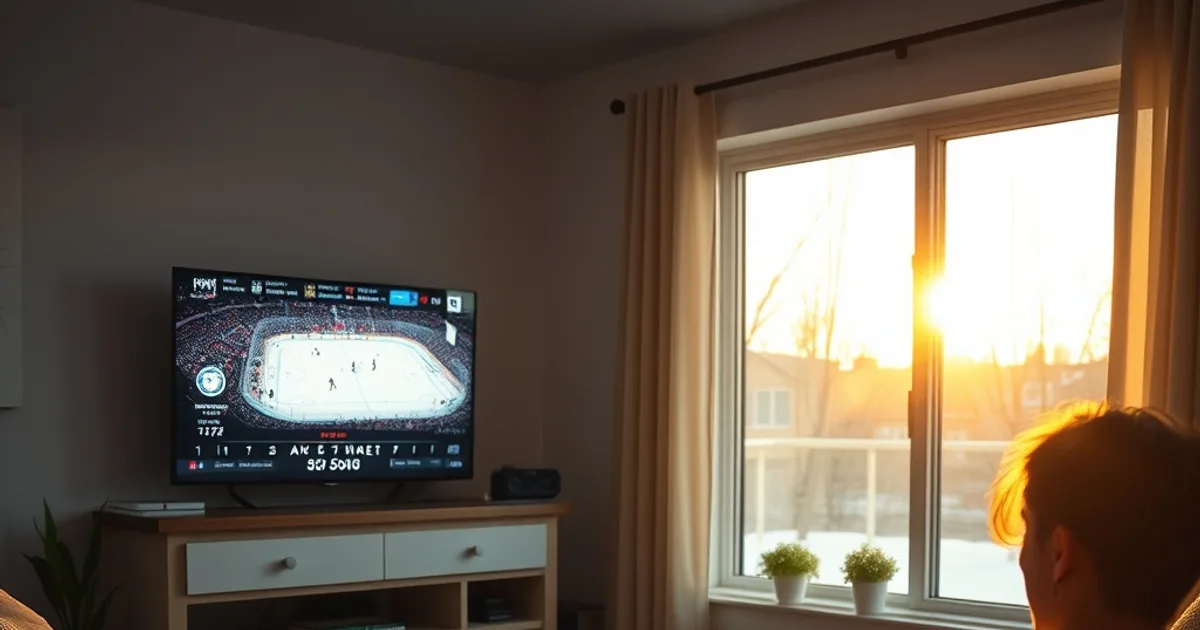
September marks the start of NHL preseason and the back-to-school stretch, which means a lot of Canadian households are running an IPTV free trial right now to see if it can replace cable before the season really gets going. Peak throttling season — fall and winter, when everyone's home by 7 PM and streaming — is starting right along with it, and the 7 to 11 PM window is where most trial evaluations quietly fall apart.
The problem is that almost nobody testing a trial stops to ask whether the buffering they're seeing at 8:45 PM is actually the IPTV service's fault. Canadian ISPs manage network traffic during high-demand hours, and video-heavy streams — including IPTV — are exactly the kind of traffic that gets deprioritized first. If you judge a provider off a single bad evening without isolating the cause, you can talk yourself out of a service that was actually fine, or into one that just got lucky on a quiet night.
This guide treats throttling detection as part of the trial itself — a testing methodology, not a troubleshooting chore you do after something breaks. Run through it during your trial window and you'll walk away with actual data instead of a gut feeling about who's to blame.
Why Your ISP Throttles IPTV (and When)
Large Canadian ISPs manage a shared network, and during the busiest hours of the evening — roughly 7 to 11 PM, when everyone gets home, cooks dinner, and turns on a screen — total demand can spike well above the average. To keep the network usable for everyone, providers apply traffic management: prioritizing some traffic types over others, or capping throughput for traffic patterns that look like high-bitrate video. The CRTC requires ISPs to publicly disclose their traffic management practices, but current policy does not broadly prohibit the practice itself — it just has to be disclosed, and most subscribers never go looking for the disclosure.
IPTV traffic is a particularly easy target for this kind of management because it looks, at the packet level, a lot like any other sustained video stream. Deep packet inspection doesn't need to know your IPTV provider's name to throttle it — it just needs to recognize the traffic shape of continuous high-bitrate video and treat it accordingly during congestion windows. That's why the timing is so consistent: quiet at 3 PM, degraded at 8 PM, often fine again by midnight.
Live sports amplify this because everyone watching the same match is generating that same traffic shape at the same moment. A hockey broadcast during a packed preseason evening is a heavier, more concentrated load than an on-demand show watched at scattered times — which is exactly the scenario our guide on your channels and hockey at peak time was built to stress-test.
Not sure if it's your connection or the trial itself? Ask a real person before you assume the worst.
How to Know If You're Being Throttled: Five Real Signs
Before running formal tests, look for a pattern rather than a single bad night. Five signs are worth tracking: buffering that shows up reliably in the evening but not in the afternoon on the same channels; picture quality that auto-downgrades from HD or 4K to a visibly softer stream after a certain hour; buffering that persists even on a wired Ethernet connection, which rules out a WiFi problem; other streaming apps (Netflix, YouTube, a game console update) slowing down at the exact same time of night; and a plain speed test showing your normal download number even while the IPTV stream itself is clearly struggling.
That last one is the tell. General-purpose speed tests measure raw throughput to a test server, which is a different traffic pattern than a sustained video stream — so a throttling ISP can show you a perfectly healthy speed test number while still slowing the specific traffic shape your IPTV app produces. If your speed test looks fine but your stream doesn't, that gap is itself a signal worth investigating rather than dismissing.
If you're only a few hours into your trial, pair this with the checklist in our guide to what to test in the first hour — establishing a clean daytime baseline early makes the evening comparison meaningful instead of guesswork.
Peak-Hour Testing Strategy: Speed Tests at 3 PM, 8 PM, 11 PM
A simple three-checkpoint protocol turns a vague impression into comparable data. Run the same test at 3 PM (an off-peak afternoon baseline), 8 PM (the heart of the peak window), and 11 PM (after most households have wound down). At each checkpoint, record download speed, upload speed, jitter, and — critically — how the actual IPTV stream looks and behaves, not just the raw numbers.
Consistency matters more than sophistication here. Use the same device, the same WiFi or Ethernet connection, and the same speed test server each time, so the only variable that changes is the time of day. Note the channel or stream you tested, the resolution it settled at, and how many times it buffered or dropped quality in a five-minute window.
Do this across two or three separate evenings rather than one, since a single rough night could be a coincidence — a neighbor's network activity, a router hiccup, a temporary provider-side blip. A pattern that repeats at the same hour across multiple nights is a much stronger signal than any single data point. Our deeper protocol for testing fair quality during a trial's ISP-throttling peak hours walks through exactly how to structure and log this over a full trial window.
The Wehe App: Free Throttling Detection (Works in Canada)
Wehe is a free mobile app, available on Android and iOS, that grew out of academic net-neutrality research and gives ordinary users a way to test for traffic differentiation without any networking background. It works by replaying real traffic patterns captured from popular streaming apps (and a scrambled control version of the same traffic) to a research server, then comparing the performance your ISP gives each version. If the real streaming-shaped traffic performs meaningfully worse than the scrambled control, that's evidence of differentiated treatment rather than general congestion.
Run Wehe at your 8 PM peak checkpoint and again at your 3 PM or 11 PM baseline, and compare the results side by side. A gap that appears only during the peak-hour run and disappears off-peak lines up with the same story your manual speed tests should be telling — and having two independent tools agree is far more convincing than either one alone.
Treat Wehe's output as a strong consumer-level indicator, not a courtroom-grade proof. It won't name which specific traffic-management rule triggered, and Canadian policy currently requires disclosure of these practices rather than banning them outright — so the goal here isn't a formal complaint, it's giving yourself enough evidence to judge your trial fairly.
The VPN Toggle Test: Proving ISP Throttling vs. Provider Issues
The most direct way to separate an ISP problem from a provider problem is the toggle test. During your 8 PM peak window, watch the same channel or stream for a few minutes with your normal connection, note the quality and buffering, then turn on a VPN and watch the same stream again immediately after. Because a VPN encrypts your traffic, deep packet inspection generally can't identify it as video traffic anymore, which routes around traffic shaping that targets that specific pattern rather than your account or bandwidth in general.
If quality clearly improves with the VPN on — fewer stalls, the stream holds a higher resolution, less variance — that's strong evidence the bottleneck was traffic management on your ISP's side, not a limitation of the IPTV provider itself. If the VPN makes no difference, or makes things slightly worse, that points the other way: the issue is more likely happening upstream of your ISP, at the provider's servers, or in your own local network.
One honest caveat: VPNs add their own overhead and route traffic through a different server location, so a VPN test isn't a perfectly clean scientific control. Use a VPN server reasonably close to you geographically, and run the comparison more than once before drawing a conclusion from it.
What Smooth 4K at 11 PM Really Means for Your Decision
If your stream runs cleanly at 3 PM and 11 PM but struggles specifically between 7 and 11 PM, and the VPN toggle test improves things during that window, you've effectively cleared the IPTV service of blame. The service is technically capable of delivering a clean 4K signal — your evidence shows it did, more than once. What you're dealing with is a network-management issue on the ISP side, which is a solvable problem, not a reason to write off the trial.
That distinction changes what a bad evening should mean to you. A trial that buffers at 8:30 PM but plays a full hockey broadcast cleanly at 11 PM isn't an unreliable service — it's a service running into a predictable, documented congestion window that a VPN or a different viewing schedule can work around. Testing this against a live, high-demand broadcast is the most honest stress test available, which is why our guide to your channels and hockey at peak time focuses specifically on game-night conditions rather than quiet afternoon viewing.
The reverse is just as informative: if quality is poor across all three checkpoints regardless of VPN status, that's a genuinely different verdict, and no amount of peak-hour context should talk you into a service with a real underlying problem.
Once you've confirmed it holds up at 8 PM, see what a full plan looks like beyond the trial.
Next Steps: What Throttling Tells You About Long-Term Subscriptions
Once you have a few nights of consistent data, translate it into a plain decision. If throttling is the clear culprit and a VPN resolves it, factor that into your ongoing setup — a VPN subscription is a real, recurring cost and a small amount of added complexity, and it's worth deciding upfront whether that tradeoff is one you're willing to live with long-term rather than discovering it after you've already committed.
If your evening tests come back clean without any VPN at all, that's genuinely useful information too — it means your ISP isn't meaningfully shaping this traffic, and any occasional evening hiccup is more likely ordinary variance than a structural problem. Either outcome is a better foundation for a subscription decision than judging a provider off one rough Tuesday night.
Fold this testing into the rest of your evaluation rather than treating it as a separate task. Our full walkthrough on what to test in a 24-hour IPTV trial before you buy covers the complete checklist — channel stability, app behavior, device compatibility — with peak-hour throttling detection as one piece of a fuller picture, not the whole verdict.
Frequently asked questions
Is ISP throttling of IPTV legal in Canada?
Generally, yes. The CRTC requires internet providers to publicly disclose their traffic management practices, but current policy doesn't broadly prohibit traffic shaping itself. That's part of why so few subscribers realize it's happening — it's disclosed in policy documents, not flagged on your bill.
Does using a VPN always fix IPTV throttling?
Not always, but often enough to be a useful diagnostic. A VPN encrypts your traffic so deep packet inspection can't easily identify it as video, which routes around throttling that targets that traffic pattern specifically. If your slowdown comes from something else — provider-side congestion, a weak local WiFi signal — a VPN won't fix it, which is exactly why the toggle test is informative either way.
Can I test for ISP throttling without paying for anything?
Yes. A standard free speed test app, the free Wehe app on Android or iOS, and a stopwatch to time your evening viewing are enough to run every test in this guide. A VPN is the only optional cost, and only needed for the toggle-comparison step.
Why does my IPTV stream buffer specifically during hockey broadcasts?
Live sports concentrate demand — a large number of viewers streaming the same high-bitrate broadcast at the exact same moment — which produces a heavier, more identifiable traffic load than scattered on-demand viewing. That makes game nights one of the clearest windows for spotting peak-hour traffic management.
Should I run these tests on WiFi or a wired connection?
Use Ethernet if you can. It removes WiFi signal strength and interference as a variable, so any slowdown you measure is more clearly attributable to the ISP connection itself rather than your home network.
What if my test results are inconclusive?
Repeat the 3 PM / 8 PM / 11 PM checkpoints across two or three more evenings before concluding anything. A single ambiguous night is common; a pattern that holds across multiple nights at the same hour is the signal worth acting on.